
Overview
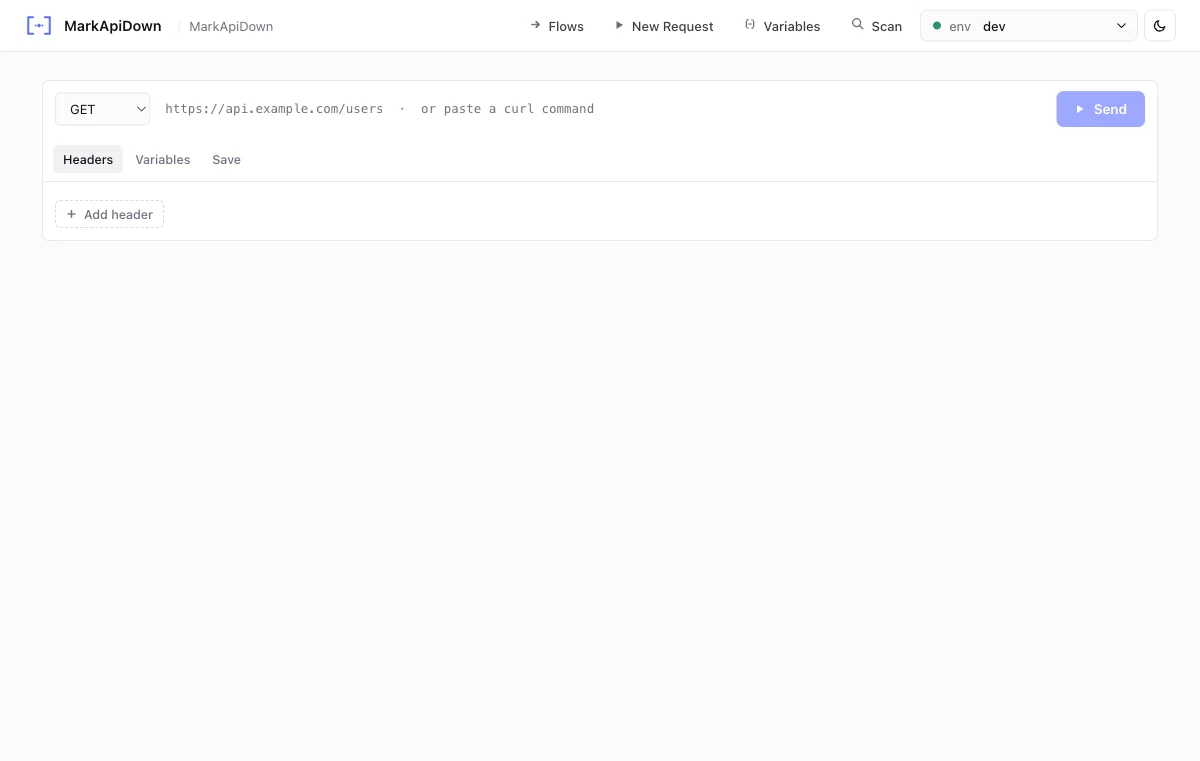
The New Request panel in rqb-ui lets you build and send any HTTP request interactively no spec file required. It’s the browser equivalent ofrqb request.
Open it
Click New Request in the top navigation bar, or navigate tohttp://localhost:8080/request.
Layout
The panel has two columns:- Left Request builder: method selector, URL, headers, body, variable overrides, save-as path
- Right Response viewer: status, body, headers, raw request
Features
Save to collection
Enter a relative path in the Save as spec field, e.g.apis/users/get-users.md. After sending, the request and response become a spec in your collection ready to run with rqb exec or from the endpoint browser.
Compare with rqb-cli
The browser New Request panel andrqb request use the same backend. Both save to the same workspace locations.