
What is rqb-ui?

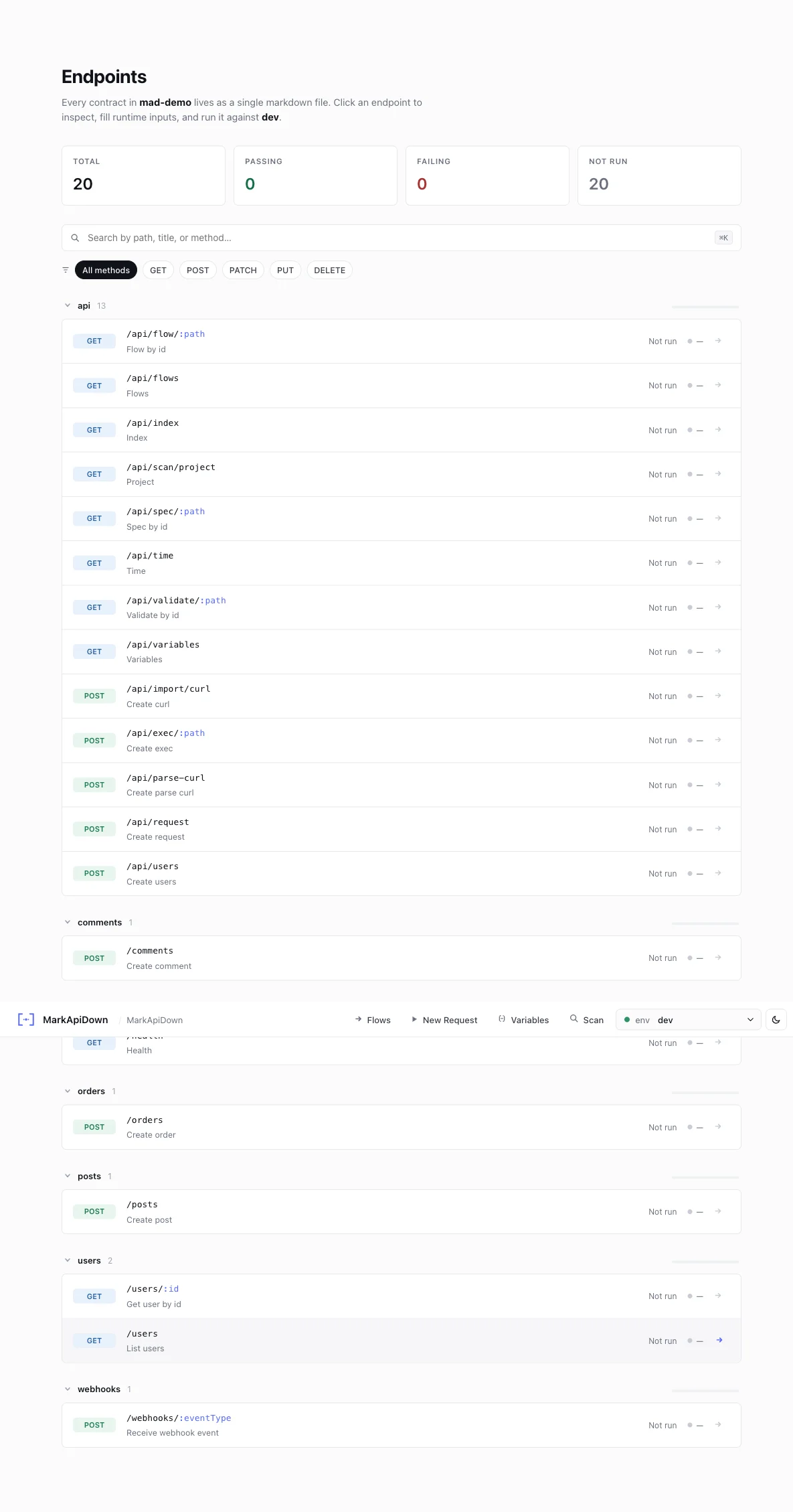
rqb-ui is the browser interface to Reqbook, accessed via rqb serve. It provides a visual environment for:
  • Browsing and searching your API spec collection
  • Sending requests with interactive variable overrides
  • Building and running multi-step pipelines on a visual canvas
  • Editing spec files in-browser with live save-back to disk
  • Sending ad-hoc HTTP requests without creating a spec file first
  • Running in mock mode against recorded responses

Launch
rqb serve
# Opens at http://127.0.0.1:8080
rqb-ui endpoint browser Custom host/port:
rqb serve --host 0.0.0.0 --port 3000

Features

FeatureHow to access
Browse collectionHome page index
Run endpointClick an endpoint → Send button
New Request”New Request” button in the top bar
Build a flowFlows → New Flow
Edit spec sourceEndpoint page → Edit source
Import from curlImport curl button in top bar
Scan projectScan button in top bar
Mock moderqb serve --mock

Same binary two interfaces

rqb serve → opens rqb-ui (this)
rqb exec → runs in the terminal (rqb-cli)